Day 8: AI as Your Event Planner
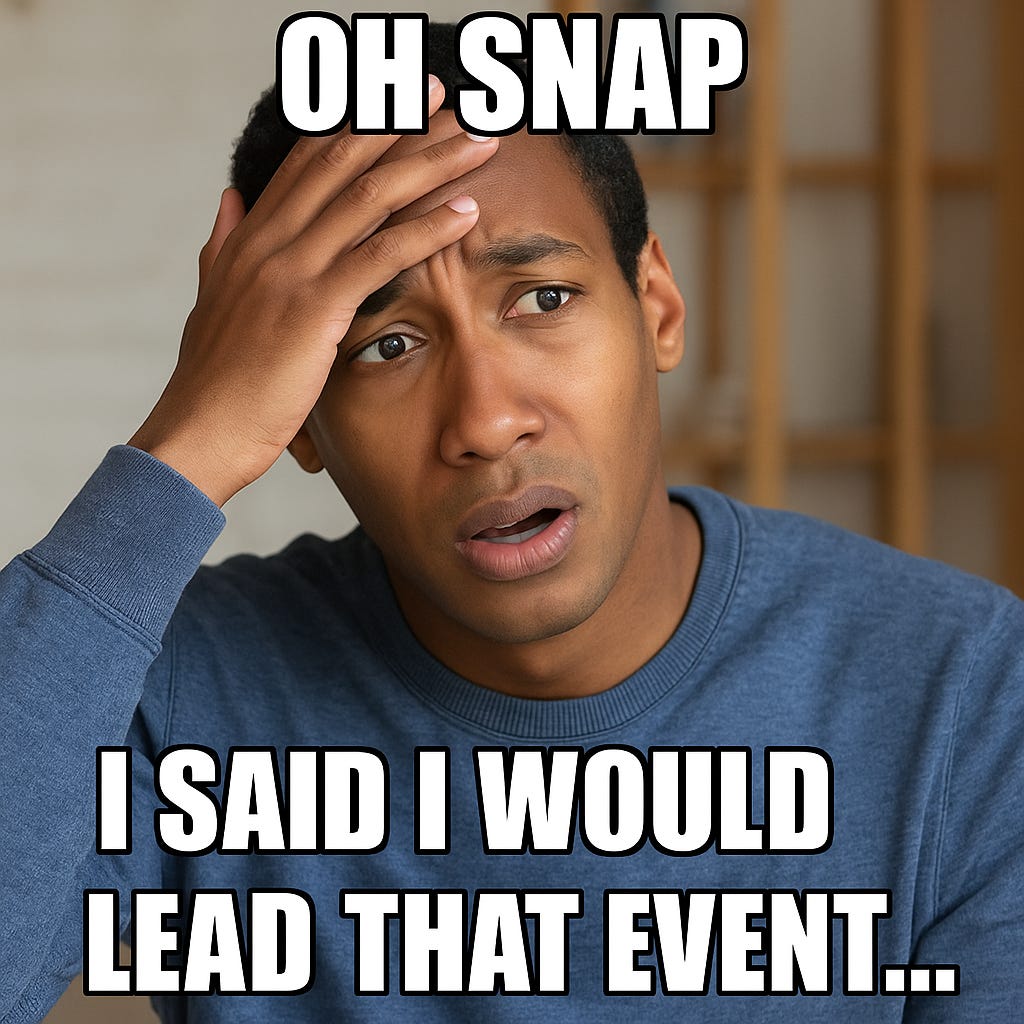
Ever been asked (or “voluntold”) to run an event? Team offsite, client workshop, company happy hour… it can feel like a lot.
And the same skills show up in real life too: baby showers, volunteer events, milestone parties. Today we’ll focus on work, but you can use these prompts anywhere.
How AI Helps:
Think of it as your planning buddy. Instead of staring at a blank page, let AI draft:
Timelines
Agendas
Checklists
Today’s Challenge
Try one of these prompts and customize it to your needs:
“Plan a half-day team offsite for 15 people, including icebreakers, lunch, and wrap-up.”
“Provide me a full-day client offsite agenda. I want to include a discovery meeting, lunch, and a fun, low-key morale event at the end.”
“Create a checklist for organizing a 2-hour volunteer event with 50 attendees. Include setup, volunteer roles, and teardown.”
Prompt Add-Ons
Want more detail? Add one of these at the end of your prompt:
Logistics & Checklists
Add supply checklist with estimated costs
Highlight deadlines and responsibilities
Include accessibility considerations
Draft a comms plan (invites, reminders, follow-up)
Creativity & Engagement
Suggest morale-boosting activities
Recommend relaxed venues/settings
Add hybrid-friendly options
Include wrap-up activities tied to goals
Professional/Personal Blend
Tailor for nonprofit volunteer events
Adjust for milestone parties (about 30 guests)
Show a budget-friendly version under $500
Make it family-friendly with kids’ activities
Data Protection Reminder
Do not share personal info (names, emails, client details).
Use placeholders like “Client X,” “Team A,” or “Lunch at [local restaurant].”
Golden rule: only type what you’d share with a colleague.
Pro Tip for Free Plan Users
Free users can turn off “Chat history & training” under Settings → Data Controls.
When off, chats won’t train models, but they are still stored for 30 days for safety review.
Free or paid, treat AI like a public workspace.
Shoot me a comment
Are you guys still with me? Hit me with a comment and let me know if this resonates or is useful!